Adopt Canvas Today: UM's Next-Gen Learning Management System is Here
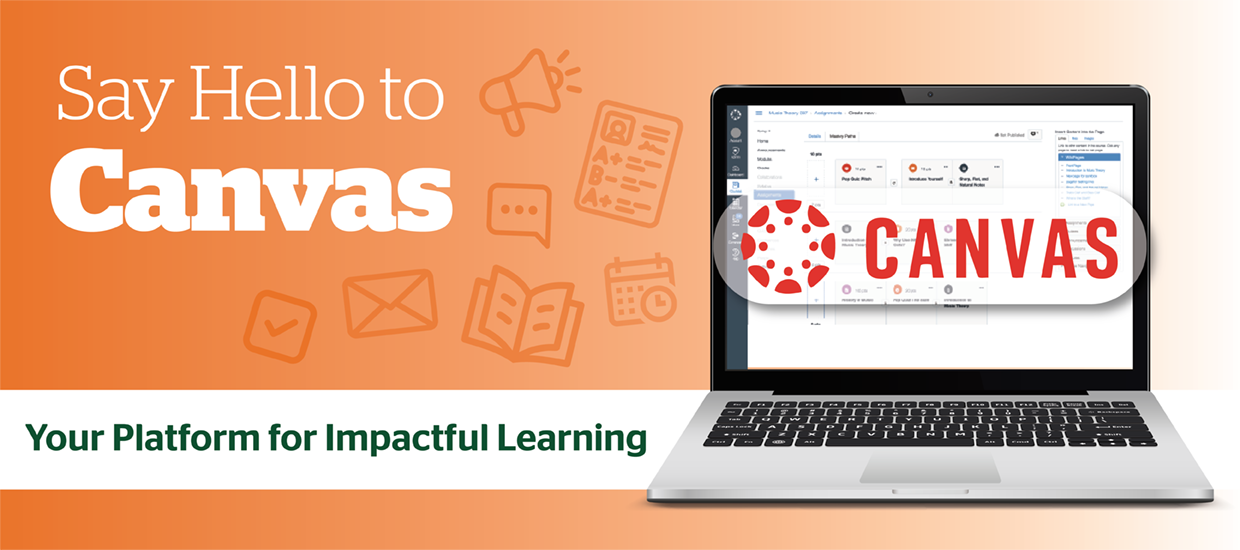
| On behalf of the Office of the Provost – "The University of Miami is pleased to announce the transition to Canvas as our next-generation learning management system (LMS). This decision reflects extensive feedback from students and faculty who participated in the 2024–2025 LMS Evaluation Initiative, which included piloting Canvas alongside Blackboard. Their insights informed faculty governance's vote in favor of Canvas, recognizing its ability to better support the University’s evolving academic needs." |
Since Canvas will become the official LMS for all University of Miami courses beginning Fall 2026, when Blackboard will no longer be available for instructional use, Spring 2026 marks a critical transition period. Now is the best time to learn the platform and explore all the trainings offered to support you—before summer, when timelines are tighter and support demands increase exponentially.
Access Canvas Today: Visit Canvas and sign in with your University of Miami credentials.
IMPORTANT REMINDER: Summer 2026 will be the final term Blackboard can be used. Blackboard will NOT be available for teaching beginning Fall 2026.
Where We Are Now
- Fall 2025 – Spring 2026: Courses appear in both Blackboard and Canvas. Faculty may teach in Canvas and are strongly encouraged to begin transitioning now. Sandbox access, migrated content, and training resources are available.
- Summer 2026: Final term Blackboard may be used for instruction.
- Fall 2026: Canvas becomes the official and only LMS. All courses are taught in Canvas.
- December 31, 2026: Blackboard Original vendor support ends.
- Spring 2027: Blackboard remains available in read-only mode for reference only (no editing, grading, or instructional activity).
- May 1, 2027: Blackboard access ends. The Canvas transition formally concludes.
Now is a Good Time to Get Started!
Waiting until Summer 2026 significantly limits flexibility as support demands exponentially increase.
Take Advantage of Training and Support
Comprehensive support resources are available, including:
- Advanced topic-specific workshops
- Individualized 1:1 training with Canvas Consultants
- In-person drop-in clinics
- Self-paced courses and recorded trainings
- Quick-start guides and short tutorial videos
Build and Explore in Canvas
All faculty have access to a Canvas sandbox environment to practice, build, and test course materials. Beginning now allows you to design thoughtfully rather than under time pressure.
Review Migrated Content
At least one year of Blackboard course content has been migrated into Canvas. Reviewing converted materials early provides time to refine structure, update materials, and enhance course design.
What Canvas Offers
Canvas is mobile-friendly, intuitive, and designed to enhance teaching, learning, and accessibility.
Key features include:
- Simplified course design and navigation
- Easier copying of course content between semesters
- Streamlined grading workflows
- Improved quiz functionality
- Strong integration with tools such as Respondus, Kaltura, Turnitin, and accessibility solutions
- Seamless embedding of third-party tools like YouTube, Padlet, and Genially
Learn More
For full details—general information, training resources, 3rd party tool integration details, FAQs, migration guidance, and more—visit the Canvas project site.
To request support during the transition, please contact the Learning Platforms team at lpt.it.miami.edu/contact.