
Faculty: Tech Tools for U

Explore featured tech tools available to faculty at the University of Miami:

Cards

Artificial
Intelligence

Ignite Your Creativity

Supercharge your projects with powerful artificial intelligence (AI) tools.

AI Tools

Faculty
Profiles

Elevate Your Academic Presence

Your faculty profile is your digital identity, and we've revamped it to help you shine.

Faculty Profiles

IT Resources for
Researchers Hub

Streamline Your Research

A one-stop-shop for research IT needs, tailored to each stage of your journey.

Research Hub

Collaboration Tools
& Data Storage

Collaborate and Store Your Work

Boosts productivity with smart collaboration and secure data storage.

Collaboration Tools & Data Storage


Explore the Tools

These comprehensive IT resources are designed to enhance your academic and creative endeavors.

Cards

AI tools it faculty

Artificial Intelligence (AI)

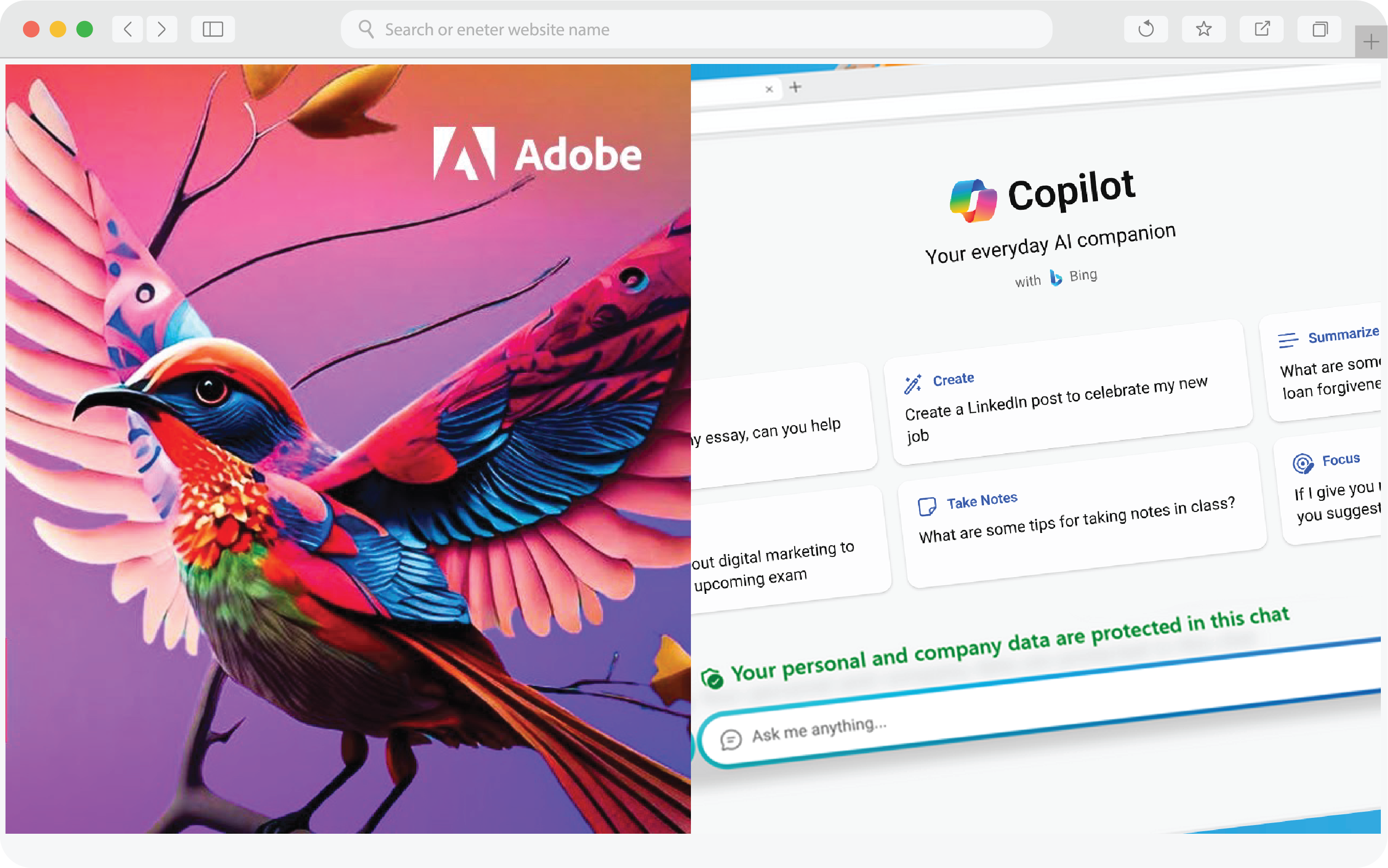
  • Adobe Firefly: Redefine your creative workflows with AI-generated image and text effects. Firefly supports prompts in over 100 languages, enabling you to generate captivating visuals effortlessly.
  • Copilot: Your AI research companion! It provides comprehensive responses to prompts, complete with source links and visual content like graphs and images.
  • Gemini: This tool can generalize and seamlessly understand, operate across, and combine different types of information—including text, code, audio, image, and video.

Unleash your creativity and explore these AI tools:
AI Tools

Cards

AI tools it faculty

Faculty Profiles

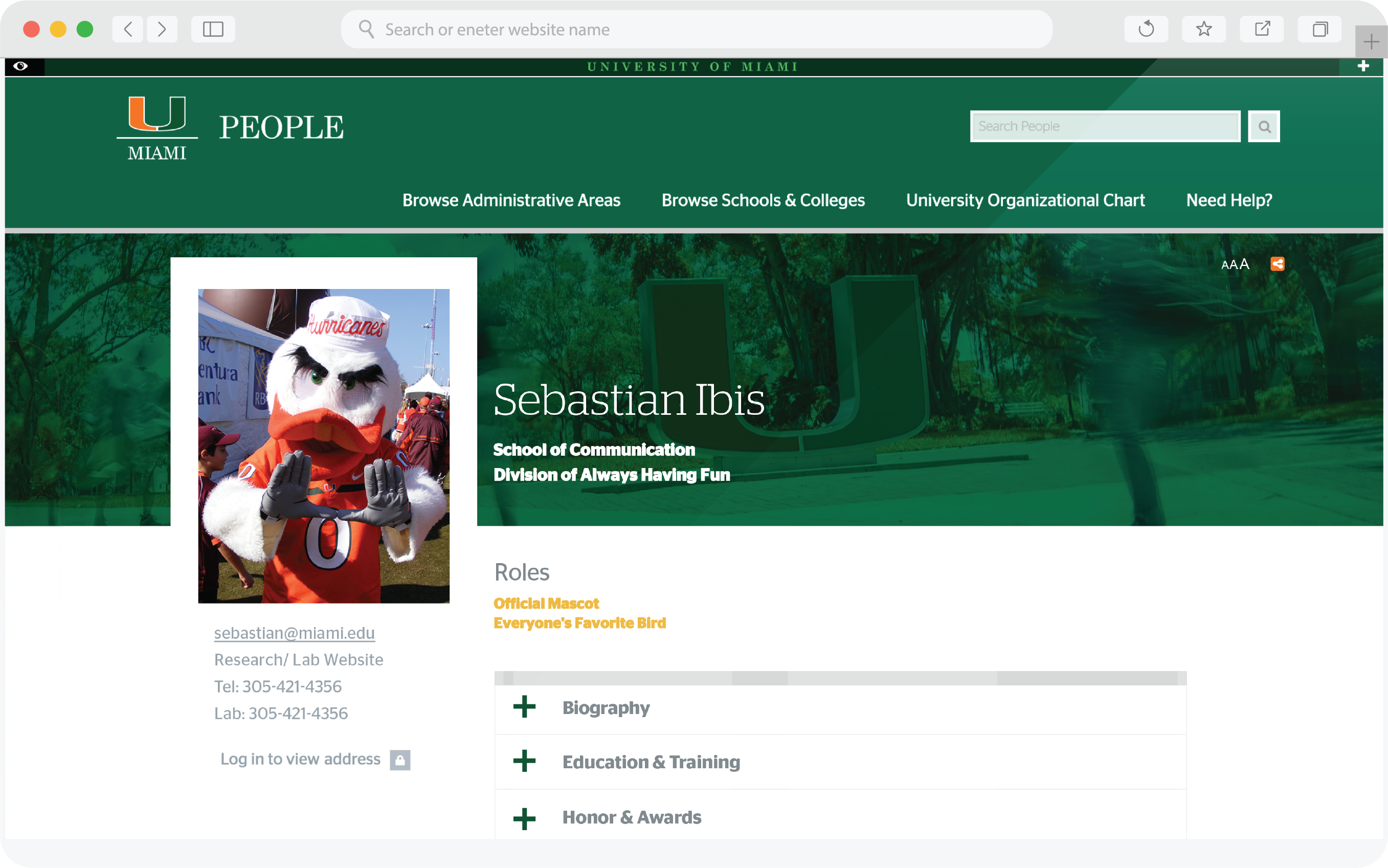
  • Comprehensive Profiles: Customize your profile with teaching and research interests, certifications, awards, and more via Faculty Success, boosting your visibility and networking opportunities.
  • Personalization: Add a profile photo and an engaging "About Me" biography, managed by your school/college's People Profile Manager.
  • Effortless Updates: Your publications and grants are automatically integrated from Scholarship@Miami, ensuring your achievements are showcased effortlessly.

Elevate your online presence and connect with peers and collaborators through your enhanced faculty profile:
Faculty Profiles

Cards

AI tools it faculty

IT Resources for Researchers Hub

Resources offered by research stage:

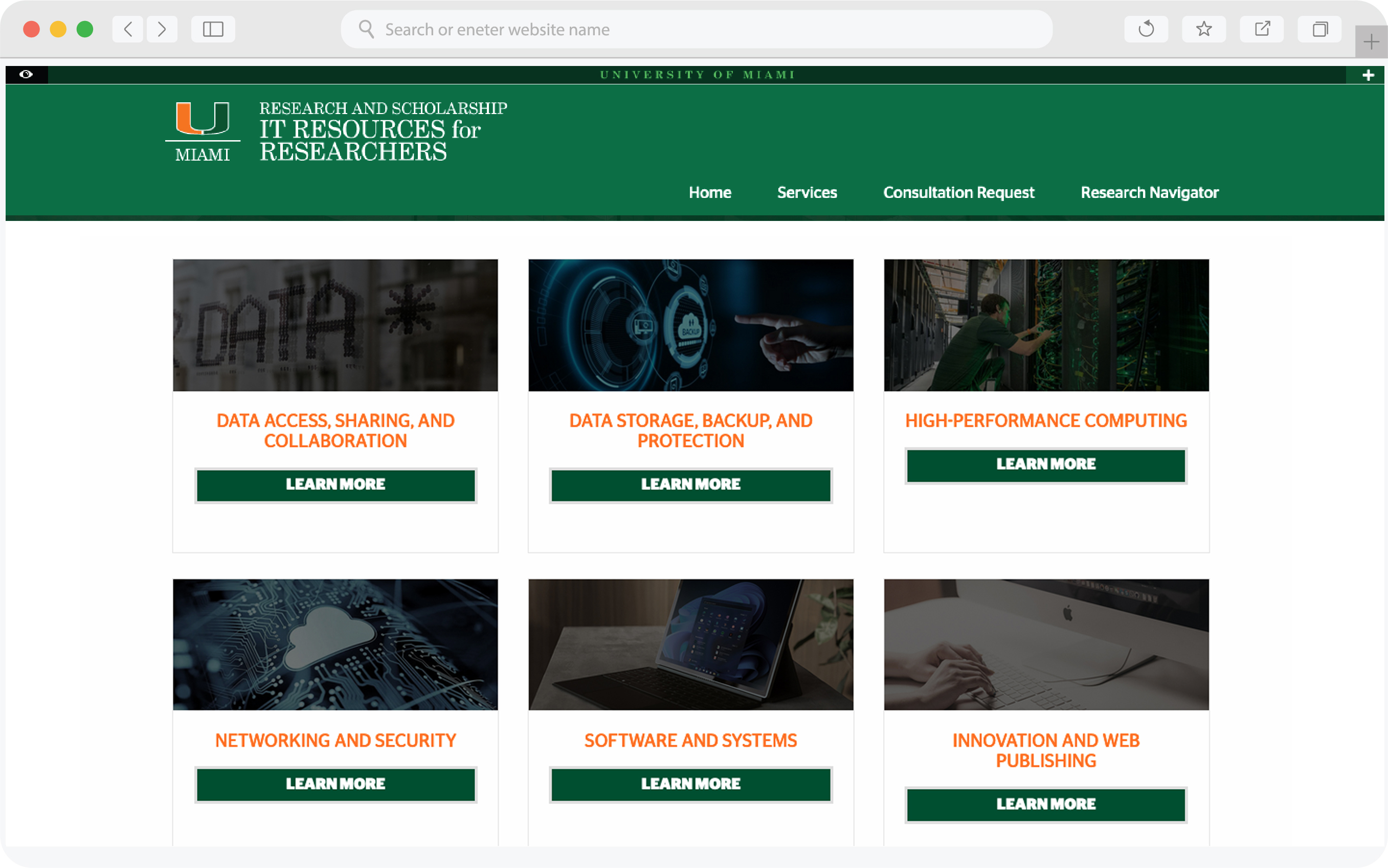
  • Planning: Request a custom consultation with IT experts to jumpstart your research project.
  • Research Underway: Access data services, collaboration tools, storage solutions, high-performance computing, networking, software resources, and innovation support.
  • Not Sure? Connect with our tech experts to discover the IT solutions that best fit your unique requirements.

Discover the Research Hub and simplify your research process today:

Research Hub

Cards

collaboration tools it faculty

Collaboration Tools & Data Storage

Optimize your workflow with Box and OneDrive, offering seamless cloud file management and collaboration.

  • Secure Cloud Access: Securely access and share files from any device for robust cloud storage and collaboration, keeping your work protected and within reach.
  • Extensive Cloud Storage with Recovery: Store up to 5 TB in the cloud with automatic backups and 30-day file recovery, ensuring data protection and retrievability.
  • Seamless University Collaboration: Facilitate teamwork with University partners via secure shared links, enabling real-time document and project collaboration with controlled access.
Collaboration Tools & Data Storage

Additional Resources

Visit the IT gateway for faculty to access a variety of resources specifically curated for University of Miami faculty members. The gateway provides a one-stop destination for everything IT-related, including guidance on connecting to WiFi, resetting your password, downloading essential software, and much more.

Visit the IT Gateway for Faculty

Read more about IT resources available to you, and stay tuned for upcoming events and initiatives that will keep you engaged and informed about these valuable services.

For all IT-related services and products, visit the A-Z Listing for a comprehensive list or Services and Products to review offerings by category.

Technical Support

For support, please contact the IT Service Desk.

Top