


Positive Experience?
- Classroom technology worked as expected.
- No disruptions impacted your session.
- The experience was smooth and effective.

Press the green (happy) button.
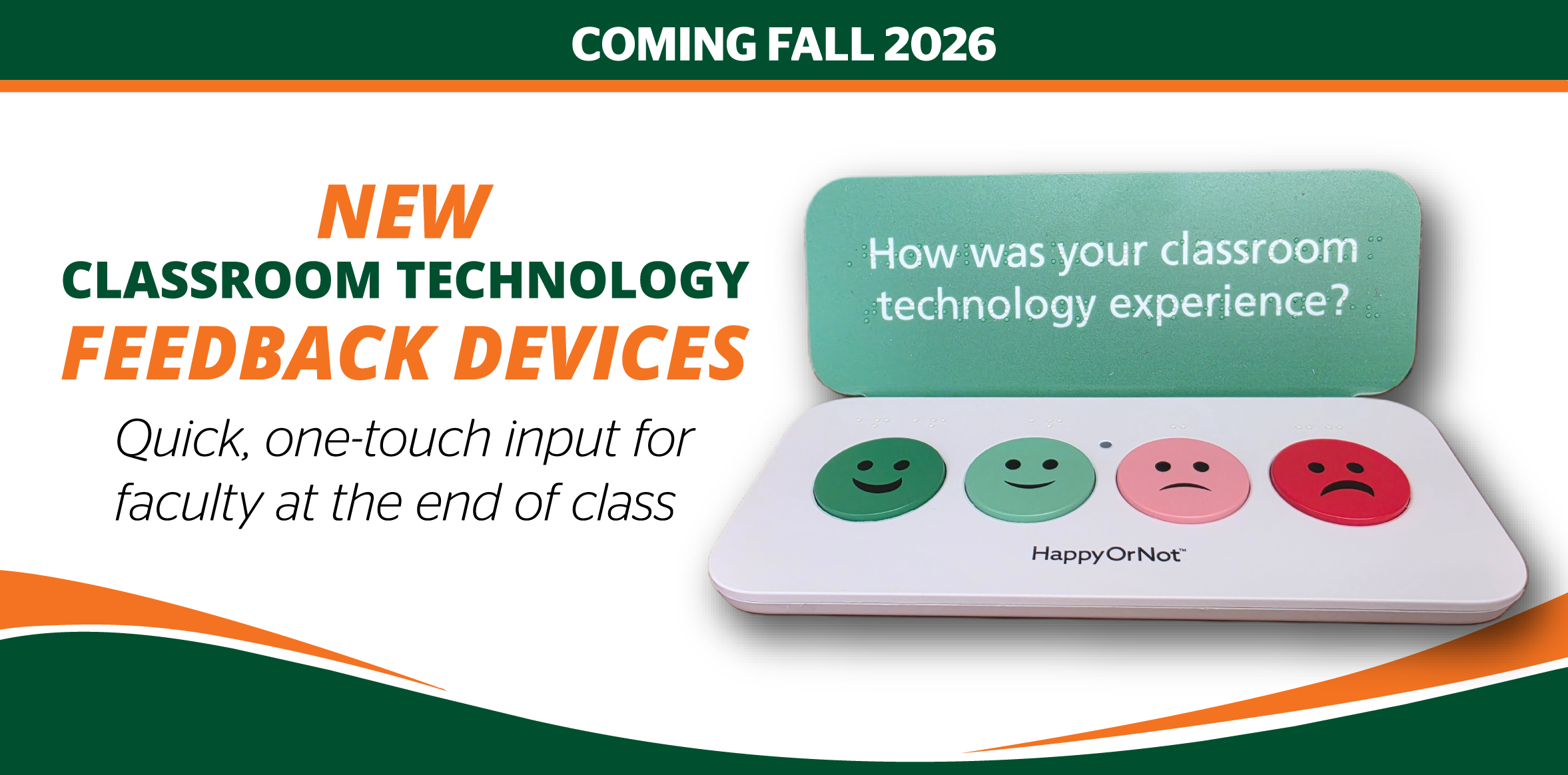
In the Fall 2026 semester, we are introducing HappyOrNotTM feedback button devices in 360 classrooms as part of our continued efforts to better understand and enhance the classroom experience at the University of Miami.
These devices are for faculty use only and allow faculty to provide quick, one-touch feedback on your classroom technology experience at the end of any session. The goal is to capture high-level, faculty sentiment in a simple and unobtrusive way.
Press the green (happy) button.

Press the red button (or another that best fits).
This tool is designed to capture overall experience with classroom technology—not to resolve issues in real time. Important: Responses do not yet generate support tickets, alerts, or follow-up actions; this is a future enhancement. For now, if you experience an issue that requires immediate assistance, please continue using the existing classroom support processes.
Frequently Asked Questions
HappyOrNotTM feedback will be reviewed weekly to identify trends and inform future classroom technology improvements. If you have questions about this initiative, please contact Dacia Simpson, Executive Director, Audio-Visual Infrastructure & Classroom Management (OCM), at simpsond@miami.edu.
